
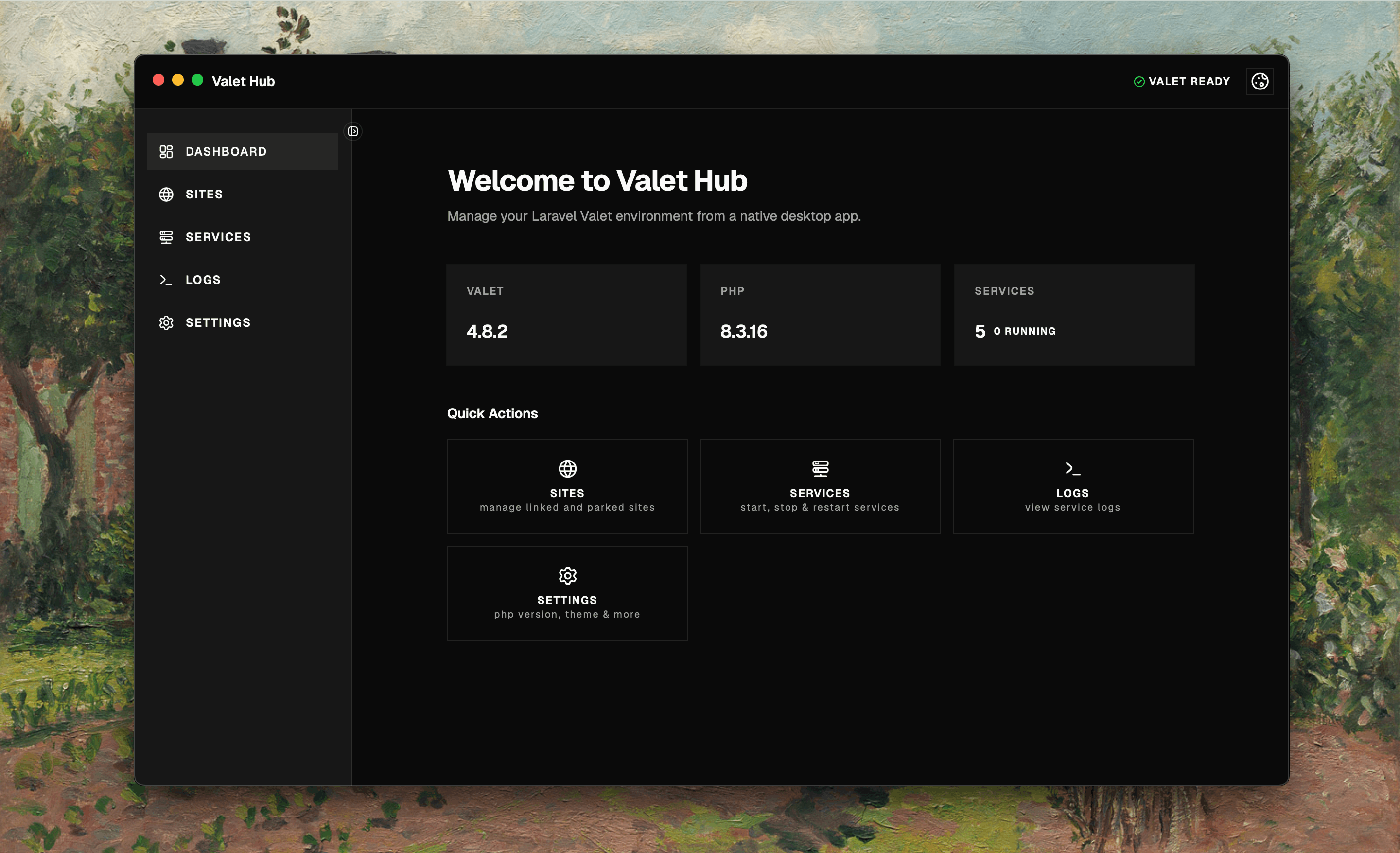
Site Management
Link, park, secure, and isolate PHP versions for your Laravel sites.
Manage your Valet sites, services, and configuration from a desktop macOS app built with Tauri.
100% free forever, no account required
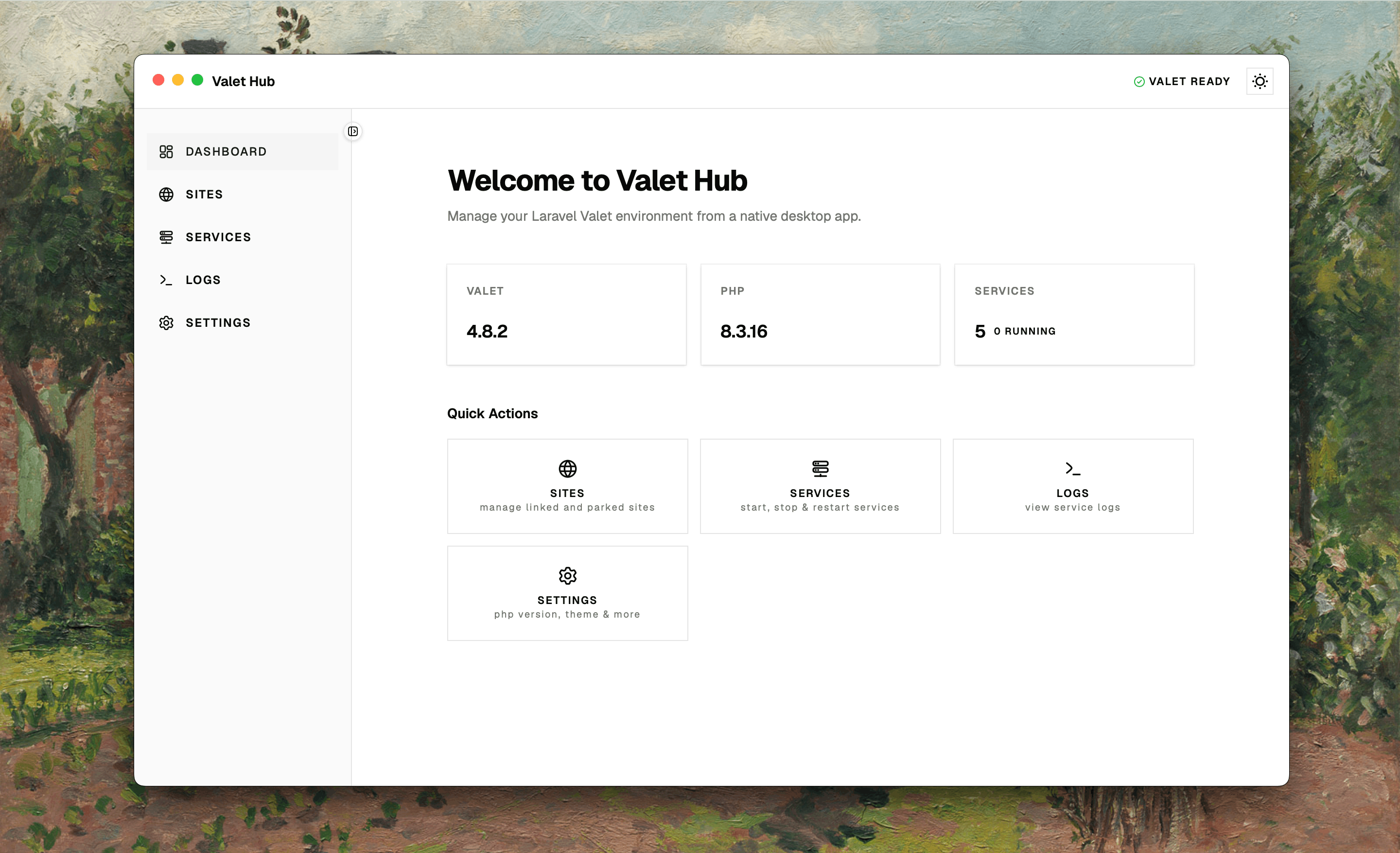
A desktop app for the Laravel Valet CLI — no more terminal hopping.
Site Management
Service Control
Environment Info
Desktop Experience
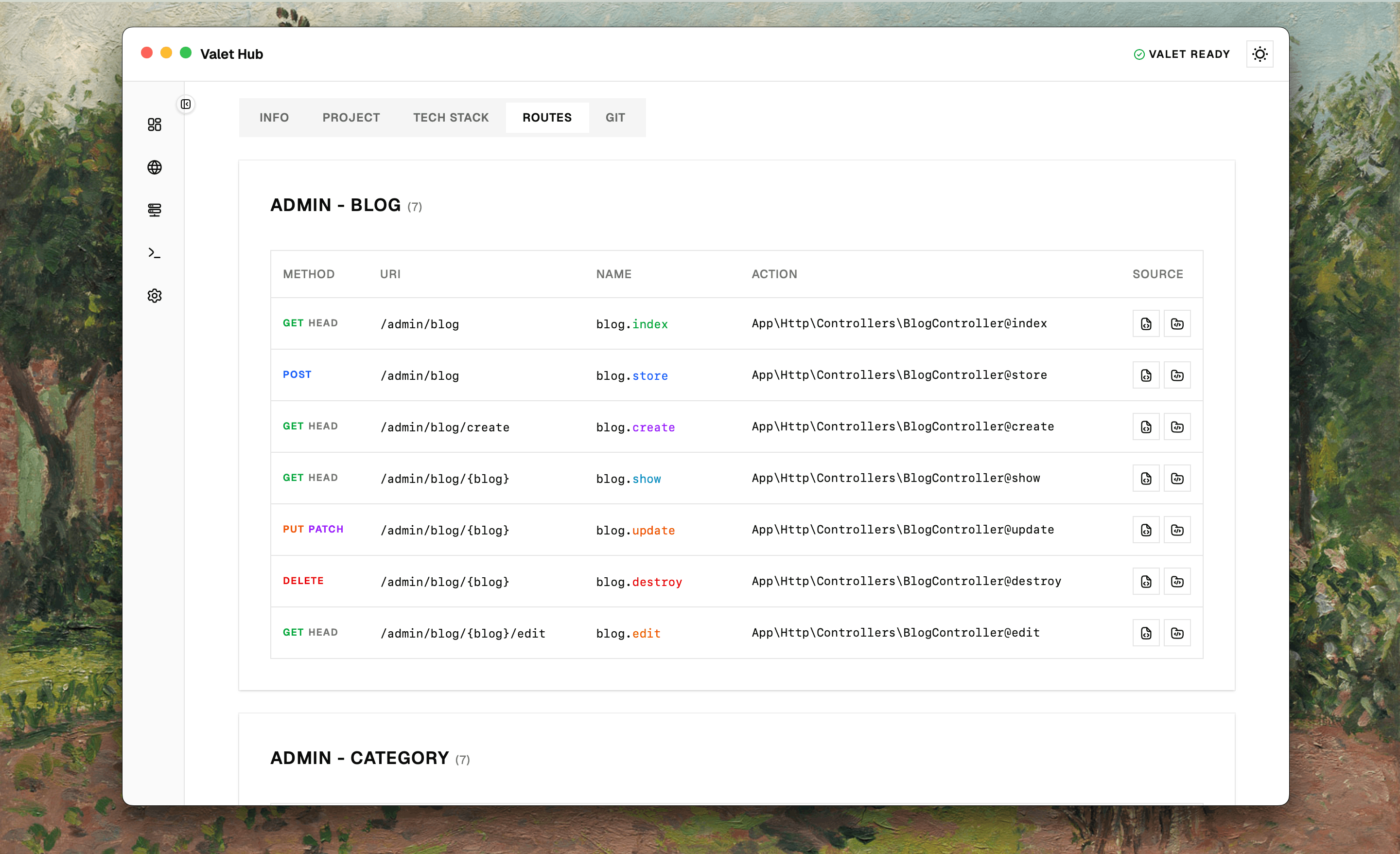
The Routes tab shows all your Laravel routes, automatically grouped by URI prefix. Each route displays its HTTP method, name, and controller action — with one-click access to the source code or API resource file.
No artisan commands needed — just click and browse.Every route in the Routes tab has a source button. Click it to open the controller method in a new window — syntax-highlighted and auto-scrolled to the right line. No more hunting through files.
Opens in a dedicated window — so you can read your controller code without losing your place in the route list.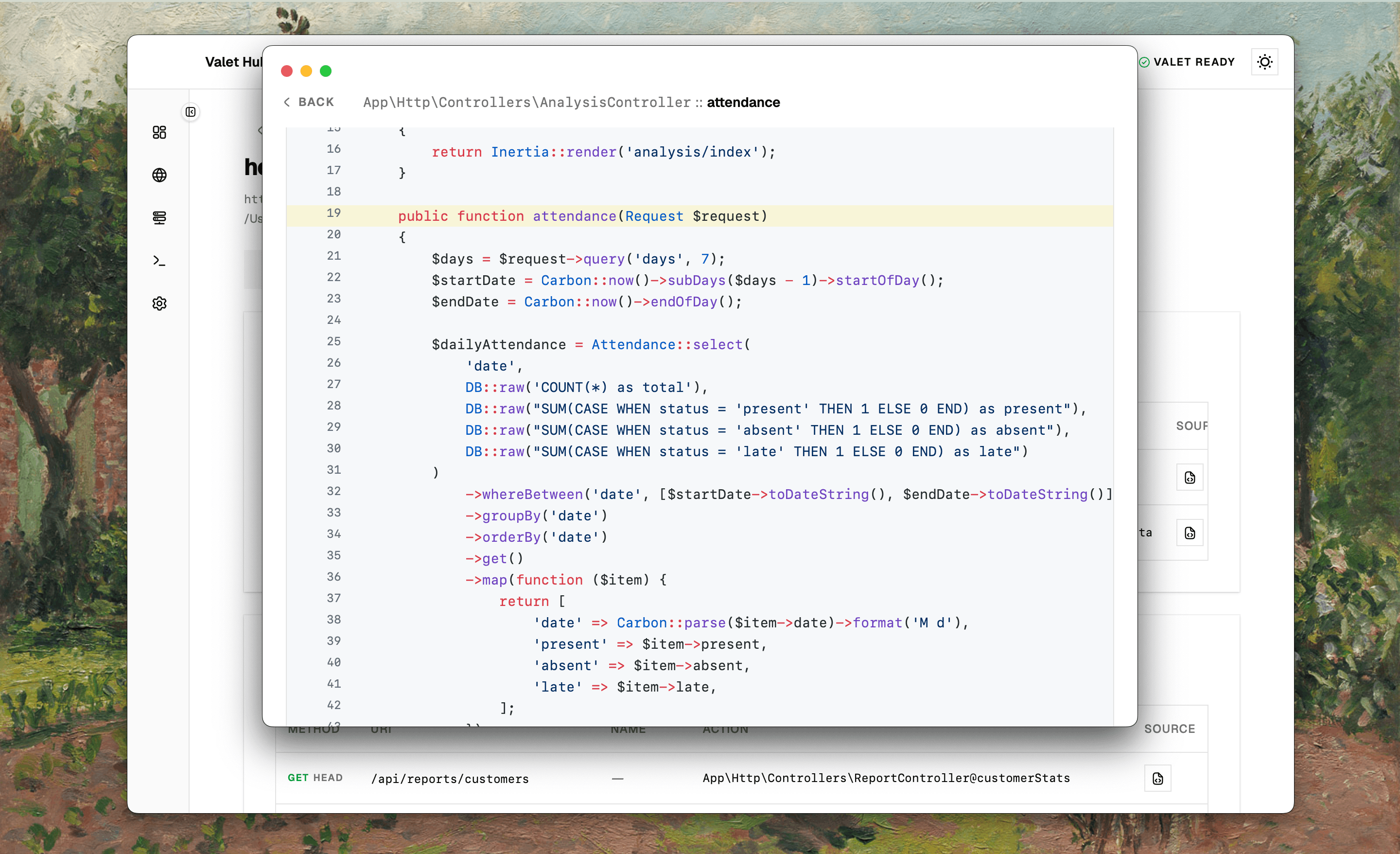
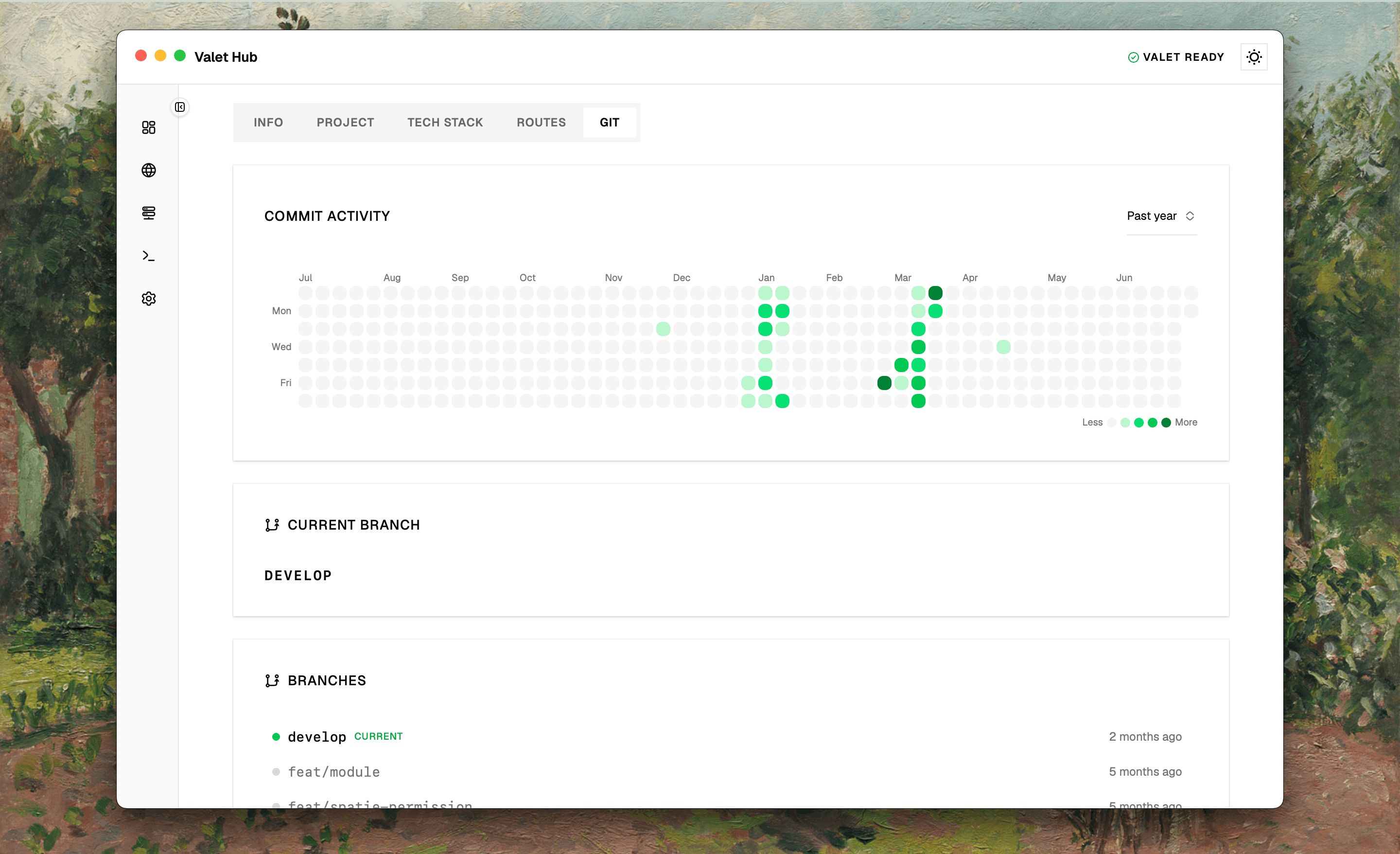
The Git tab brings GitHub-style contribution graphs to any local repository. Browse commit activity by year, see all branches at a glance, and meet your contributors — all without leaving the app.
No GitHub account required — your full commit history is right there, even offline.Install, launch, and connect to your existing Valet setup.
Download the latest release and drag to Applications.
Valet Hub auto-detects your existing Valet setup and linked sites.
View sites, toggle services, check logs, and configure settings.
Download Valet Hub and manage all your Laravel Valet sites and services from a single macOS app.
Download Valet Hub Free forever, no strings attached