
What is Valet Hub?
If you use Laravel Valet, you already know how fast it is — but you've probably also found yourself jumping between the terminal and your browser more often than you'd like. Checking which PHP version a site is using. Remembering whether TLS is on. Figuring out why Nginx won't restart.
Valet Hub gives Valet a graphical interface. It sits alongside your existing Valet setup — nothing changes about how Valet works, and you can keep using the terminal whenever you prefer. But when you want to see everything at a glance, manage sites with a click, or dig into logs without remembering file paths, Valet Hub is there.
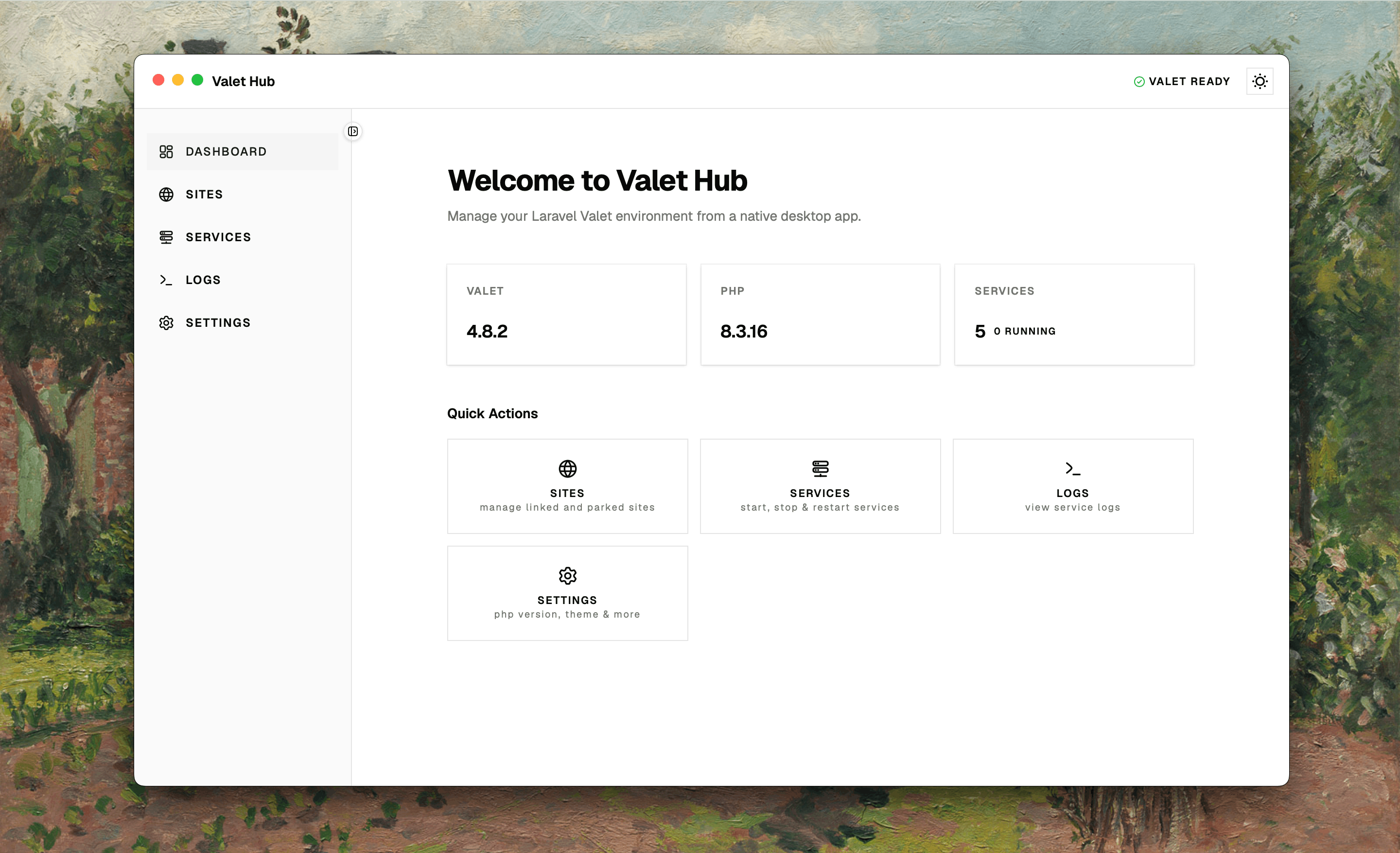
What you can do
- Manage sites — link, park, secure, and isolate PHP versions for individual projects. All without touching
valet linkorvalet securein the terminal. - Control services — start, stop, restart Nginx, PHP, MySQL, Redis, and everything else Valet manages. See logs and resource usage for each one.
- See what's running — PHP versions, database connections, tech stack details, commit activity — everything about your environment in one place.
- Keep dependencies up to date — check for outdated Composer and npm packages right from the interface.
How it works
Valet Hub talks to Valet and Homebrew behind the scenes. It reads the same configuration files, runs the same commands, and respects the same setup — so switching between the GUI and the terminal is seamless. There's no separate database, no server process, nothing to migrate. It's just a visual interface for the tools you already use.